

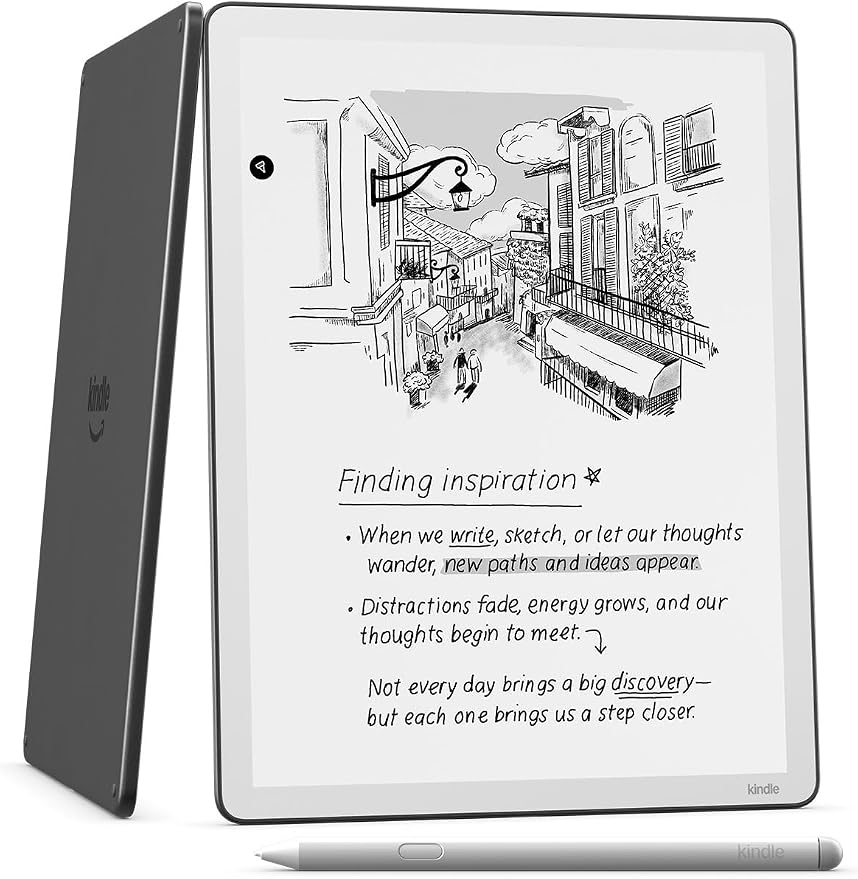

Where ideas grow
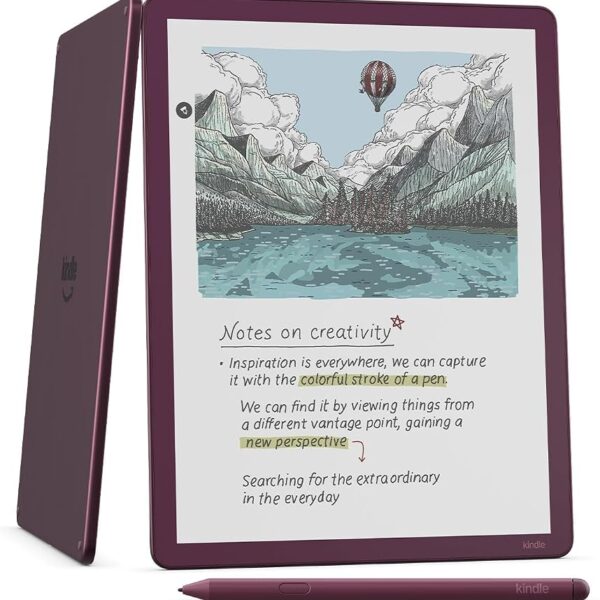
Our most advanced Kindle Scribe with Colorsoft display delivers consistent color
with every stroke, just like pen on paper. Transform how you organize ideas with
multiple hues. Use AI to search, summarize, refine, and get insights from your
notebooks, all without distractions from notifications or social media.
One smart notebook
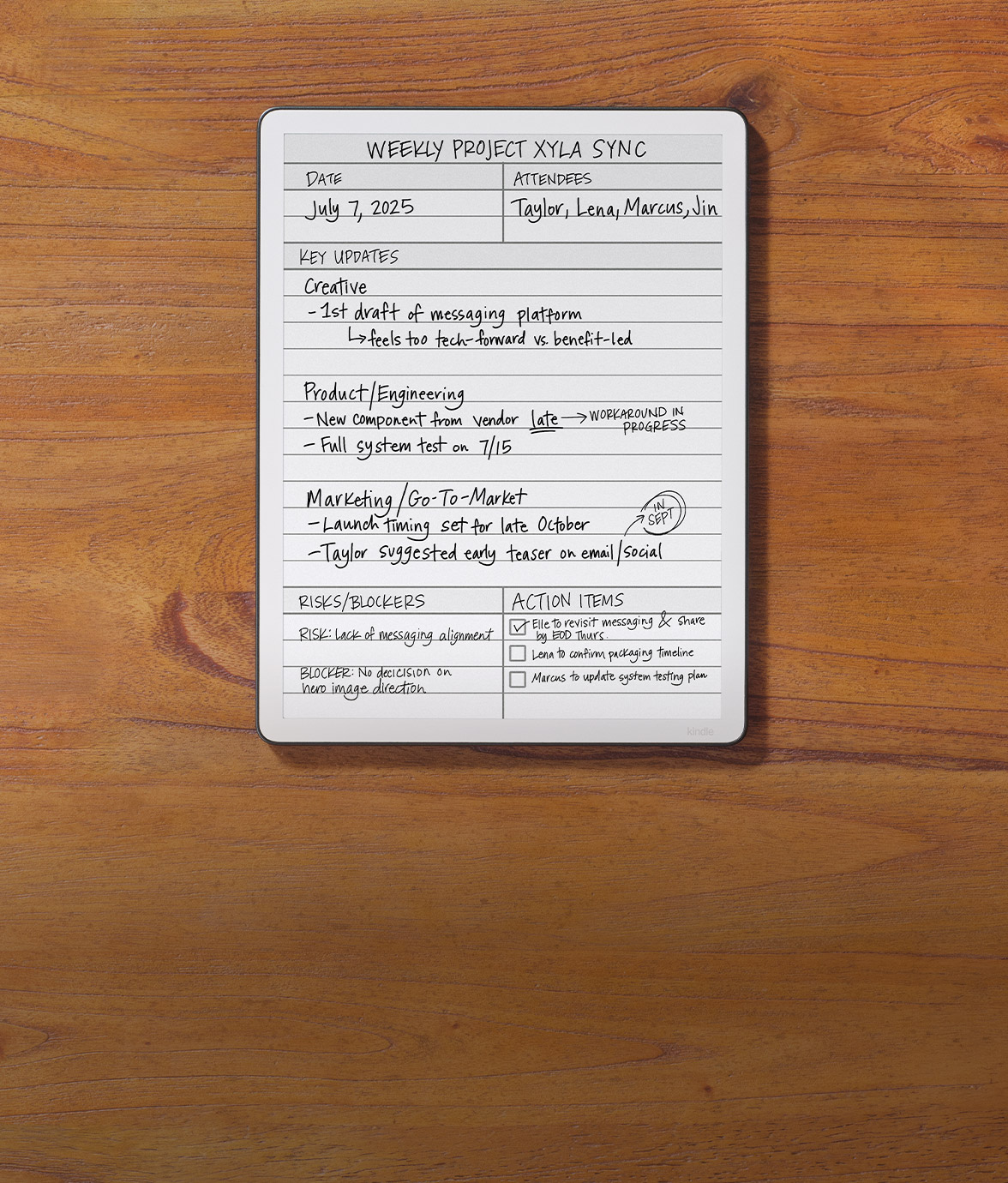
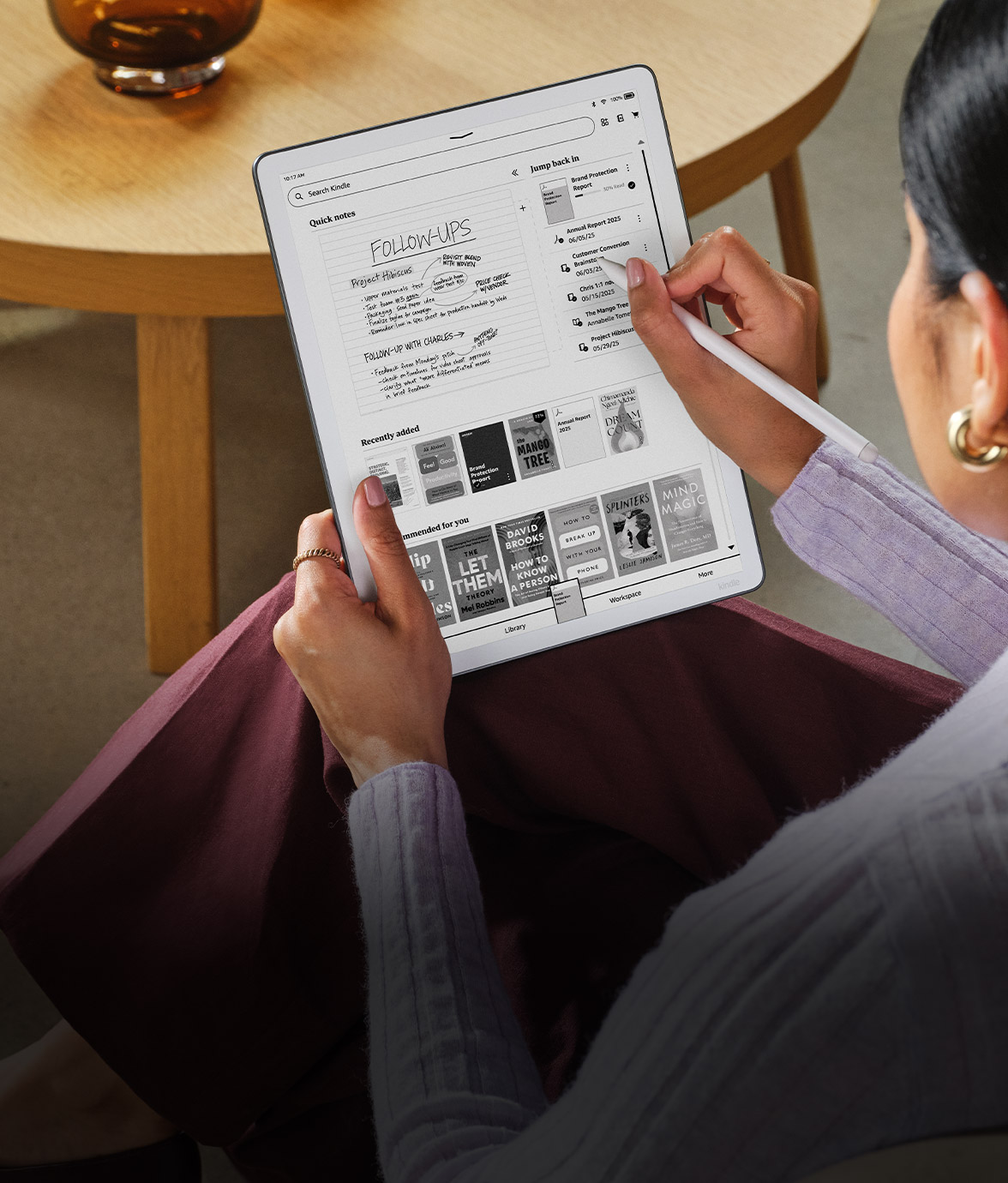
Keep ideas, meeting notes, and lists organized in one place. Write by hand, then use AI to find what matters, summarize, refine handwriting, and convert notes to text.
Paper upgrade
Never run out of pages, plus make edits, search, and use smart shapes.
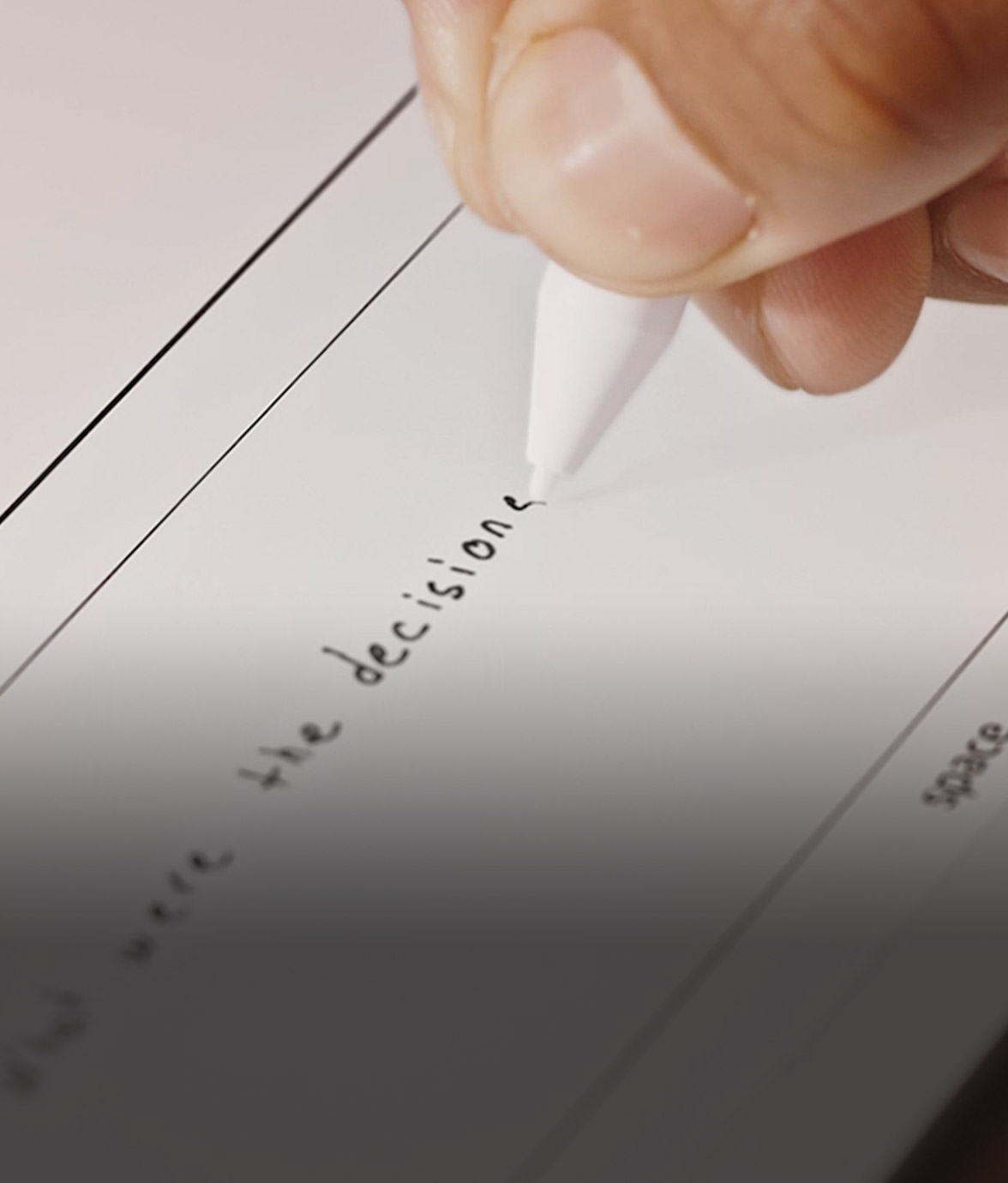
AI tools
Find key details, summarize your notes, and clean up handwriting.
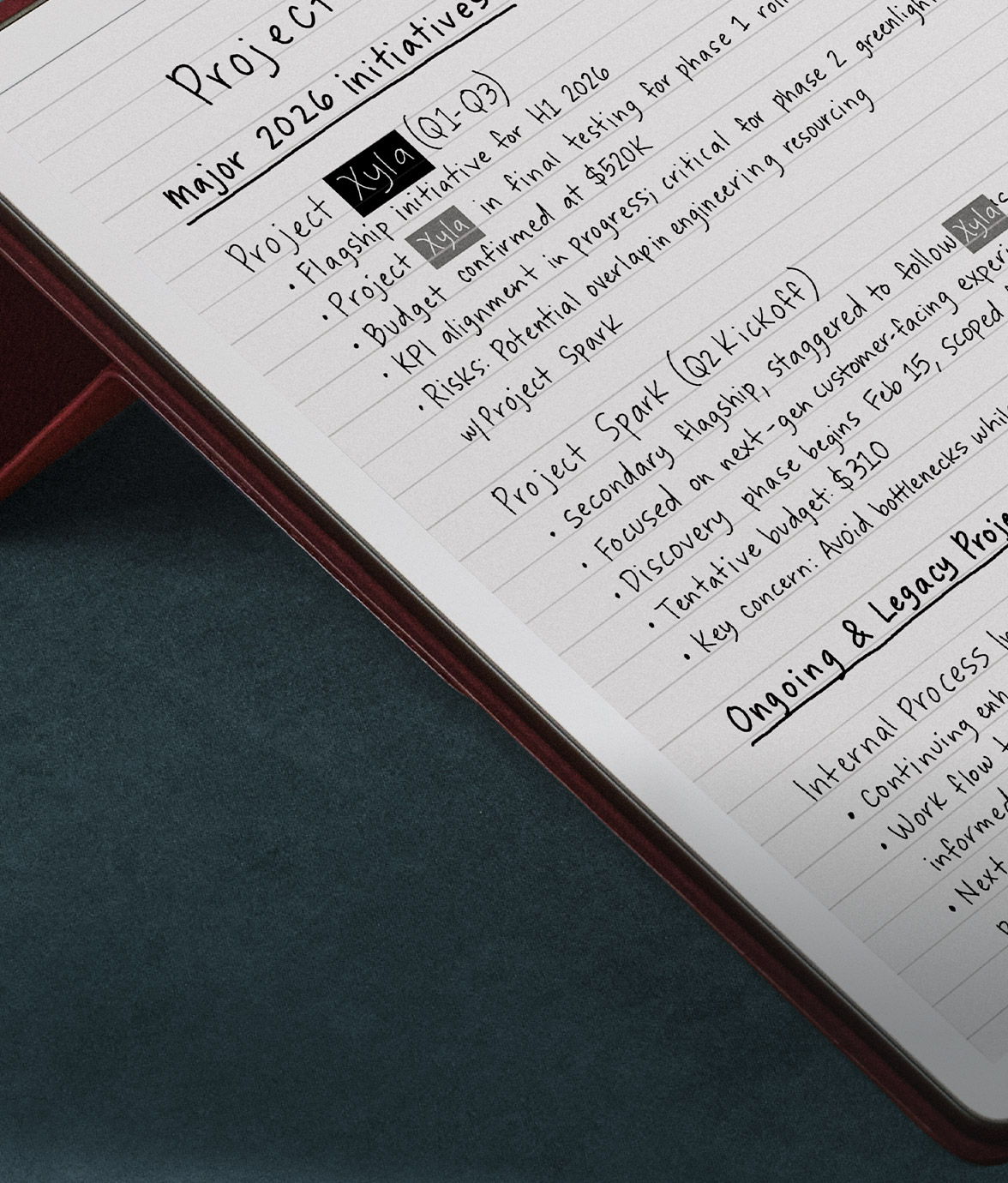
Notes search
Find handwritten notes with keywords using your pen.
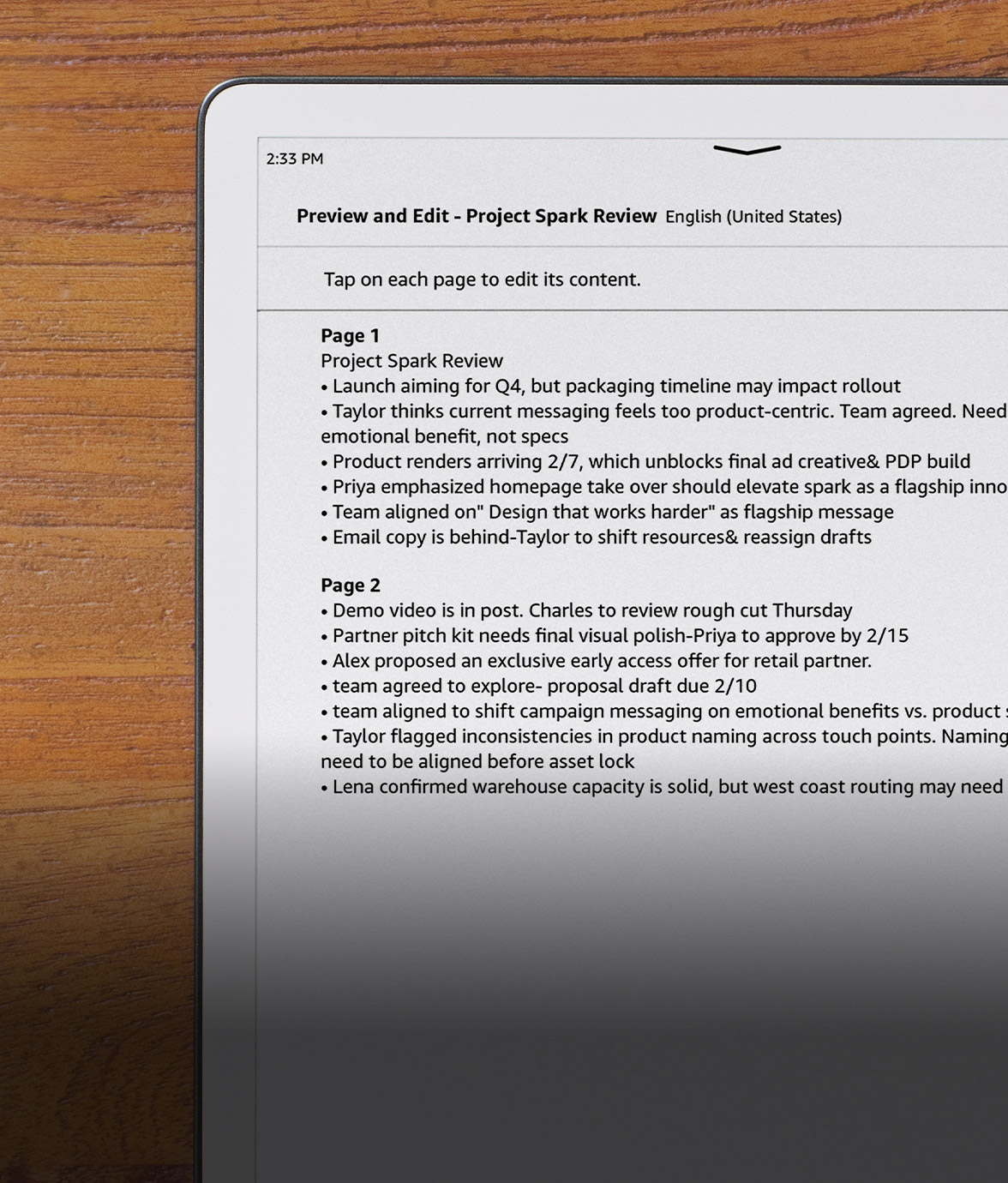
Convert to text
Share your handwritten notes as text.
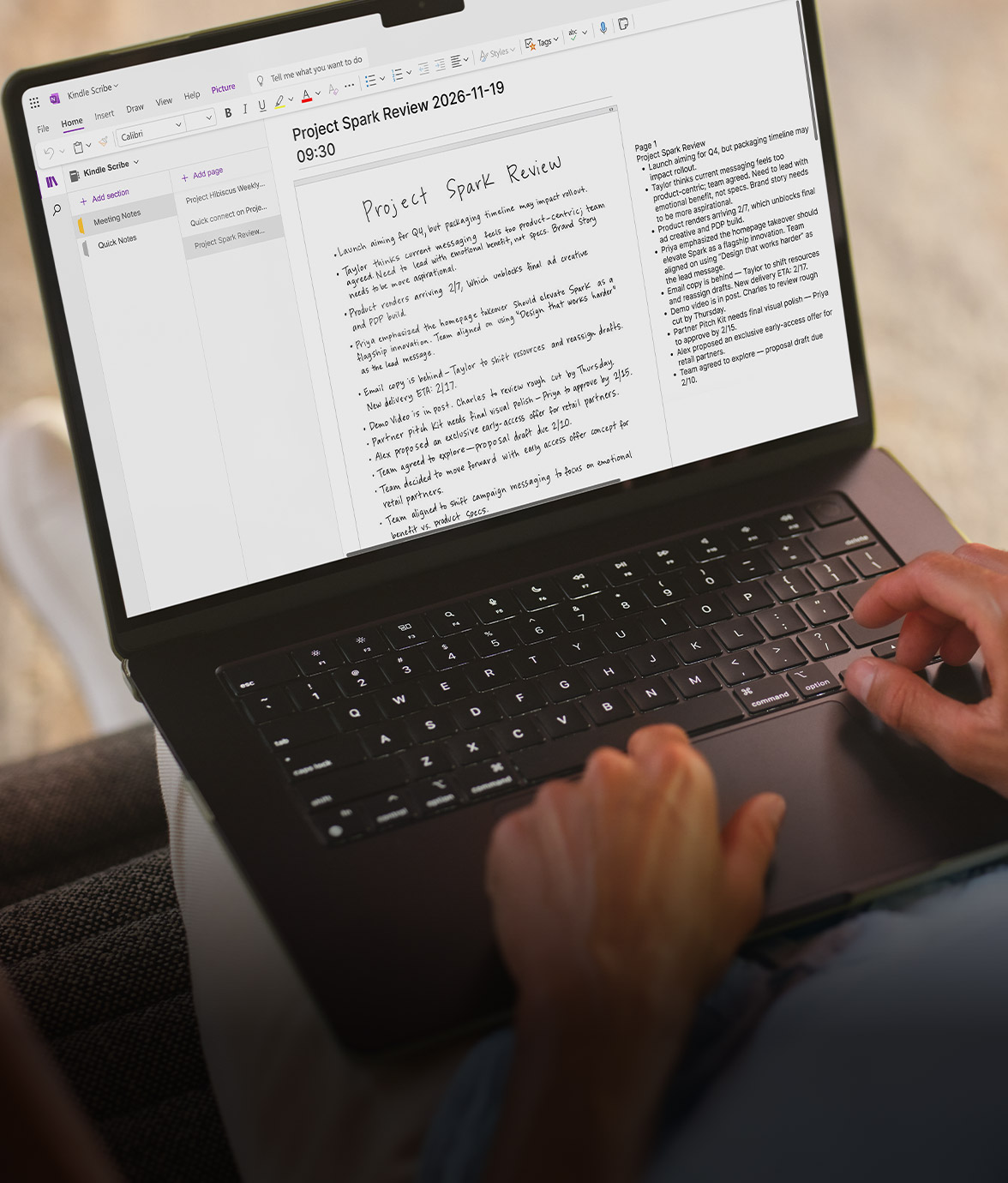
Share to OneNote
Share notes to Microsoft OneNote to edit anywhere.
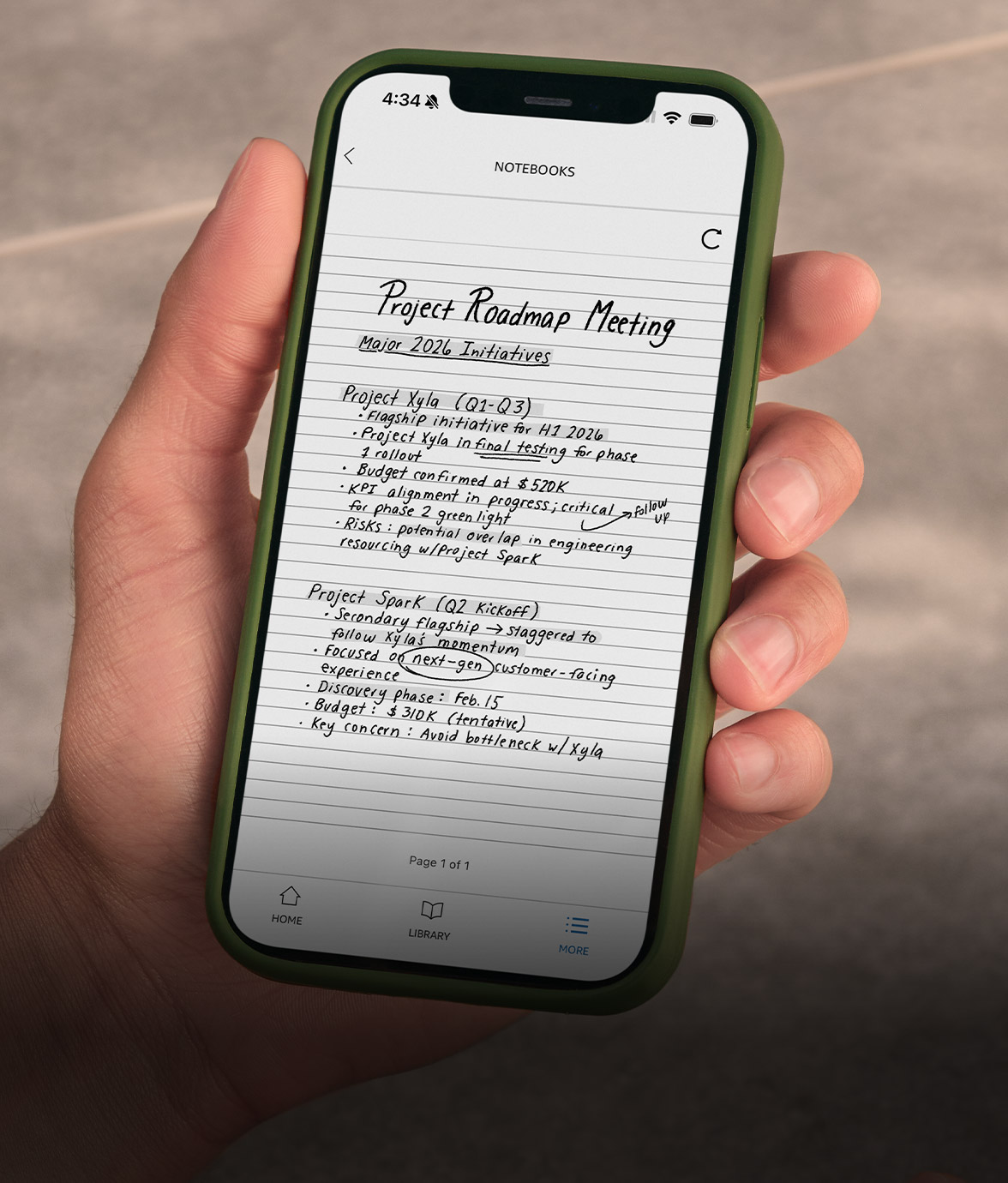
Notes on the go
View notes on your smartphone or tablet.
Make it pop
Transform your ideas with colorful writing and drawing tools built for productivity and creativity.Pick from 10 pen colors, 5 highlighters, and a shader tool for subtle gradients and overlays that bring your ideas to life with depth and clarity. Just press and hold the button in the side of your Pen to highlight or switch to your preferred writing tool.

Think it. Ink it. In color.
Be ready to write when ideas strike. The included pen requires no charging or pairing and features a built-in eraser and shortcut button for tools like the highlighter. Note-taking feels natural on the textured, paper-like Colorsoft display.
Make it pop
Transform your ideas with colorful writing and drawing tools built for productivity and creativity.
Pick from 10 pen colors, 5 highlighters, and a shader tool for subtle gradients and overlays that bring your ideas to life with depth and clarity. Just press and hold the button in the side of your Pen to highlight or switch to your preferred writing tool.
Work flows
Review and mark up documents without printing a single page. Easily import files from Google Drive or Microsoft OneDrive, add handwritten notes and markups, and export them as PDFs.


Google Drive Microsoft OneDrive

PDFs, proofed
Review full-color PDFs, highlight what matters, and write directly on the page for quick markup.

Word docs, reworked
Review Word docs without breaking your flow. Highlight, underline, or write between the lines as text shifts to make space for your notes. Expand the margins when you want more room to write, then collapse them to keep reading.
Send your notes to Alexa
Alexa can brainstorm, summarize, and turn ideas into action. Simply share notebooks and documents from your Kindle Scribe to Alexa, then they’ll be ready for you to access across Alexa.com, the Alexa app, and compatible devices, such as Echo smart speakers and Echo smart displays (a Prime membership or Alexa+ subscription is required for use on devices).
Talk it through
Send your notes to Alexa for summaries, suggested priorities, and help getting started on projects.
Stay on track
Alexa can turn your notes into to-do lists, calendar events, and reminders so tasks don’t slip your mind.
Make your mark
Remember more of what you read. Choose from millions of Kindle titles, then underline, highlight, and write your thoughts in color right on the page.
Just write
Capture thoughts right where they happen. Write directly on a book page, and the text will shift to make room for your notes. Expand the margins to add more, or collapse them to view the original page.
Keep track
Find your favorite ideas faster. Highlight, underline, and annotate as you read. Filter highlights and underline by color to quickly revisit what matters most.
Get down to business, safely
Kindle Scribe combines distraction-free writing, seamless document access,
and security features to keep teams productive and data protected.

Cloud storage
All your notes are securely stored and backed up in the cloud, so you never lose them even if you lose your device.
Data encryption
Data on your device, as well as data in transit to Amazon servers, is fully encrypted.
Secure passcode
Set a PIN code to protect your notes from unauthorized access. Your PIN is securely stored
on device.
Tamper resistant
Only authorized software can run, protecting against tampering.
Sleep timer
When inactive, your screen turns off automatically to reduce security risks.